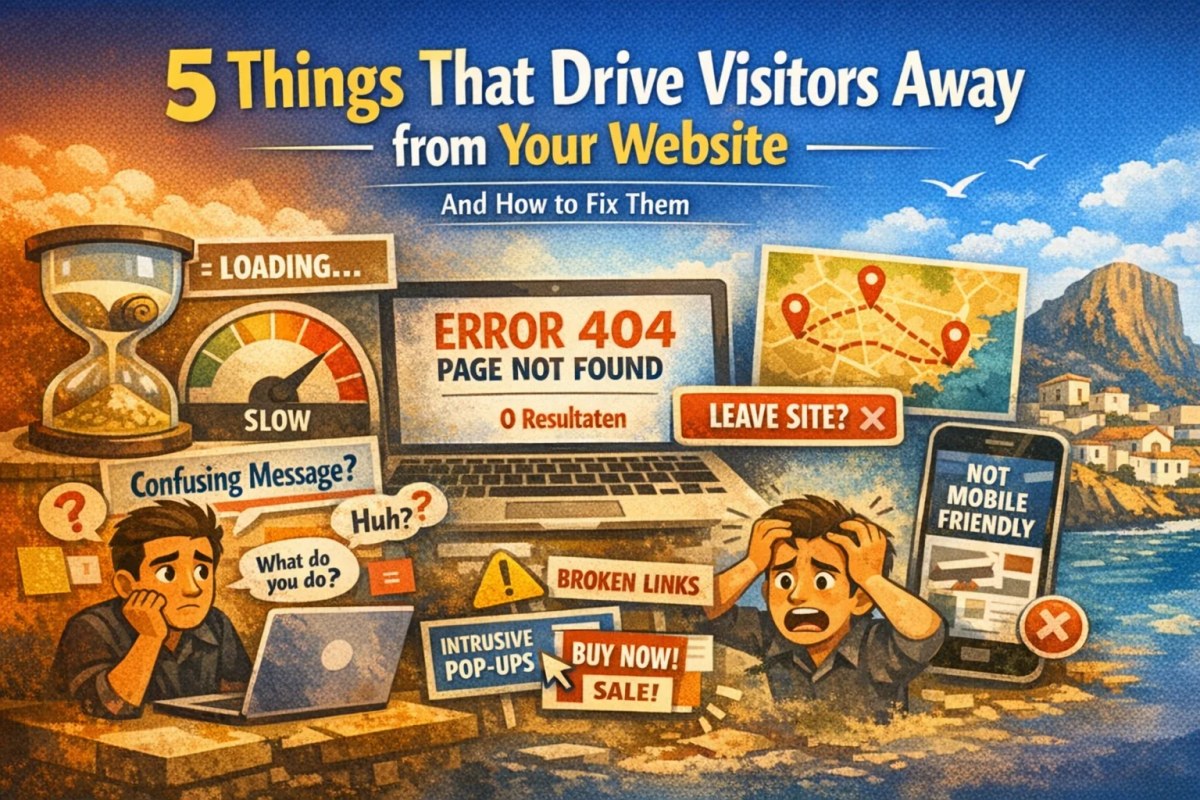
You put time and money into your website. People visit it. And then they leave without doing anything. Here are the 5 most common reasons that happens, and what to fix first.
5 things that drive visitors away from your website (and how to fix them)
You put time and money into your website. People visit it. And then they leave without doing anything.
No call. No email. No booking.
The frustrating part is that it often has nothing to do with the quality of what you actually do. The work is good. The clients who do reach you are happy. But the website is quietly pushing people away before they ever get there.
These are the 5 most common reasons that happens on the Costa Blanca.
1. The page takes too long to load
This one affects everything else. If your page doesn't load quickly, visitors never see your content, your photos, or your services.
Slow loading increases the chance that visitors leave, especially on mobile. There is no universal threshold where 'most people' leave at exactly three seconds. Use your own data and Core Web Vitals to identify real performance problems.
Common causes include oversized images, heavy scripts, inefficient code, a slow server or plugins and widgets that load unnecessary assets. The number of WordPress plugins alone tells you little; the quality and behaviour of each component matter more.
Test your own site for free at pagespeed.web.dev. The Lighthouse score is a diagnostic snapshot, not a direct Google ranking score. Focus on Core Web Vitals, field data where available and the concrete opportunities shown by the test. A single run does not always identify the exact cause.
2. It is not immediately clear what you do
A visitor arrives on your homepage. In the first few seconds they're asking themselves one thing: is this relevant to me?
If the answer isn't immediately obvious, they leave.
Many websites on the Costa Blanca open with something vague. A large background photo. A slogan about quality or partnership. And no clear explanation of what the business actually does.
"Web design for businesses in Altea, Calpe and Jávea" tells a visitor exactly where they are. "Digital solutions for modern businesses" tells them nothing.
A homepage does not need to explain everything within an exact number of seconds, but the core should become clear quickly: what you offer, who it is for and where you operate. A vague opening makes it unnecessarily hard for visitors to judge relevance.
3. There's no obvious next step
Most websites have contact information somewhere. Very few make it easy enough to use.
An interested visitor should be able to understand how to contact you or continue without unnecessary searching. More steps and ambiguity increase friction. The best contact route depends on the audience.
Make the main contact options easy to find on relevant pages. That may be a phone number, WhatsApp link, form or quote button. It does not have to sit in the header on every page as long as the next step is clear and easy.
On the Costa Blanca, WhatsApp is an important contact channel for many businesses. A direct link can reduce friction, but a form, phone number or email may suit other visitors better. Offer the contact options that fit your customers.
4. The mobile experience is broken
Mobile traffic represents a large share for many websites. Your own analytics will show how large that share is for your business. The mobile experience should therefore be tested as carefully as desktop.
A site that works well on desktop but is awkward on mobile makes it harder for visitors to continue. Common issues include small text, hard-to-tap controls, images wider than the screen and menus that do not work properly.
Test on a real phone. Not a desktop browser with a narrowed window. Actually use it with your thumb, the way your clients do, on a real mobile connection rather than WiFi. Every page. Every button.
5. Nothing signals that the business is real and trustworthy
A visitor who doesn't know you has no reason yet to trust you. And they're not going to contact a business they don't trust, no matter how good the service description reads.
Trust signals are specific things: client testimonials with real names and locations, Google reviews linked from the site, a photo of you or your team, a full address, a phone number (not just a contact form). Each one reduces the sense of risk a visitor feels.
On the Costa Blanca this is especially important. A lot of potential clients are international. They can't easily verify who they're dealing with through local reputation or word of mouth the way a local might. What they see on your website is often all they have to go on.
If a site offers little concrete information, few reviews, weak contact details or no recognisable people behind the business, that can increase doubt. The most persuasive trust signals depend on the business and the decision the visitor is making.
These 5 things are fixable. Some take an afternoon. Some need proper technical work. But knowing which ones are affecting your site is the first step.
If you want to know which of these is pushing visitors away from your specific site, send me your URL on WhatsApp and I'll tell you what I find.
Read more: