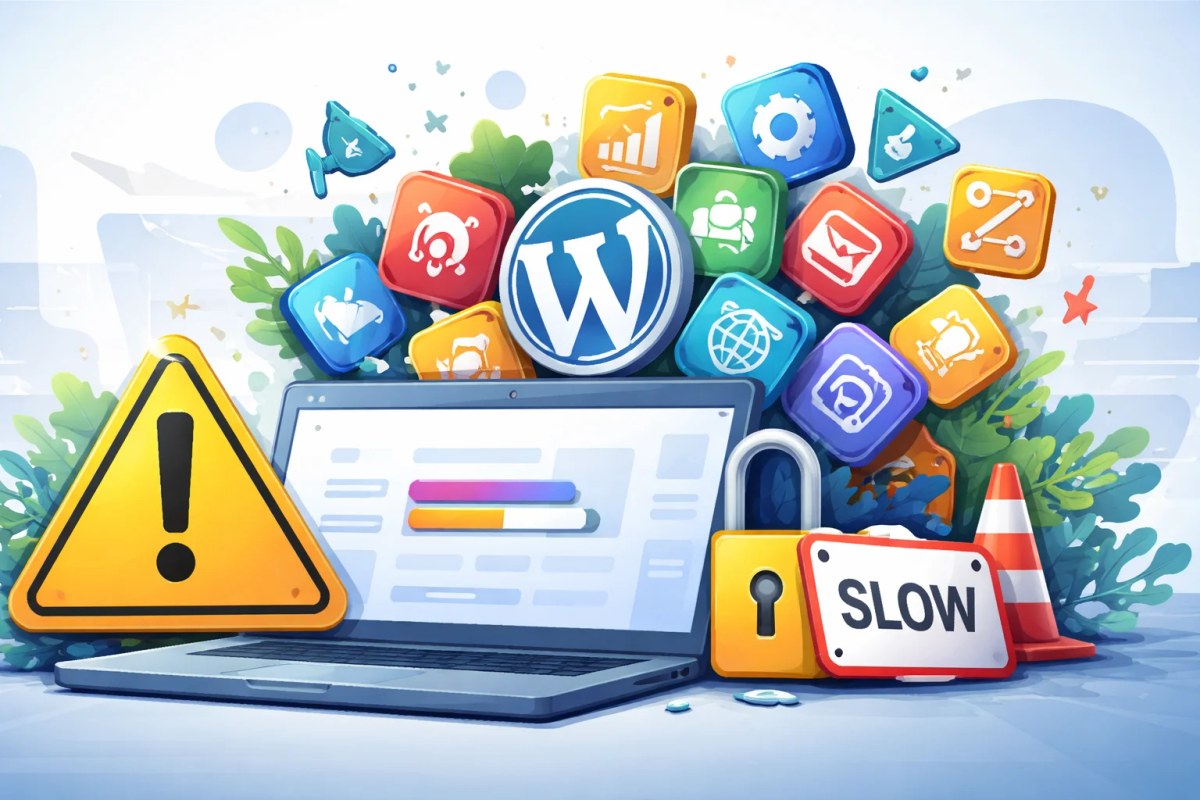
With WordPress, the plugin count alone tells you very little. Five poorly built plugins can cause more trouble than twenty lightweight, well-maintained ones. What matters is what each plugin does, how much code it loads, how well it is maintained and whether you actually need it.
Too many WordPress plugins slow down and weaken your site
WordPress is the world's most widely used website platform. Its large ecosystem makes it easy to add a plugin for almost any feature, which is why periodic review and cleanup are worthwhile.
A WordPress site may use a handful of plugins or dozens. That is not automatically good or bad. Forms, SEO, e-commerce, multilingual content and integrations can each add a legitimate dependency. What matters is the quality and necessity of the overall stack.
Problems arise mainly when features overlap, plugins are outdated or unnecessarily heavy code is loaded across the site.
What plugins actually do to your site
Plugins can add PHP, CSS, JavaScript, database queries or external scripts. Some load only where needed, while others load site-wide. You therefore cannot infer performance from the number of plugins. Measure the final frontend and identify what is actually slowing it down.
A site with many dependencies can still be fast, while a site with few plugins can be slow because of a heavy theme, oversized images, tracking, weak hosting or inefficient code. Performance should be measured rather than inferred from plugin count.
Google has used page speed as a ranking factor since 2010. Speed and Core Web Vitals contribute to user experience and Google's page-experience systems, but they are not the only or dominant ranking factor. Optimise speed primarily because visitors benefit from a fast site.
The security problem most people don't think about
Plugins are software and, like themes, WordPress core, JavaScript packages and other dependencies, can contain vulnerabilities. The main risk is vulnerable, abandoned or poorly maintained components.
More dependencies mean more components to manage, but not every additional plugin adds the same level of risk. A popular, actively maintained plugin with a clear purpose can be safer than hastily building the same functionality yourself. Keep components updated and remove what you no longer use.
This isn't theoretical. WordPress sites are targeted constantly precisely because the platform is so widely used and so many installations are running outdated plugins. A hacked site can disappear from Google entirely, expose client data, or get flagged by browsers as dangerous before you even know it happened.
The update problem
Updates should be tested, especially for important plugins and custom work. Compatibility issues can happen, but a good staging, backup and maintenance process limits the risk. The same principle applies to themes and other software dependencies.
Business owners on the Costa Blanca don't have time to manage a 30-plugin WordPress installation. And when something breaks on a Friday afternoon before a long weekend, it tends to stay broken until someone has time to look at it.
What a lean site actually looks like
A good WordPress site uses what it needs and no more. Sometimes that means five plugins, sometimes twenty. Functionality in a solid plugin can be more maintainable than recreating the same feature as custom code. Judge each component on quality, performance, support and necessity.
Caching, security, forms and SEO can be handled through plugins, hosting features or custom implementation depending on the project and host. There is no universal ideal setup. Choose the solution that creates the least unnecessary complexity for that website.
Do not compare websites on '5 versus 30 plugins'. Compare measured performance, stability, maintainability and security. Those are the outcomes that matter.
When WordPress is the right choice, and when it isn't
WordPress is a legitimate tool for many businesses. But it's worth knowing what you're taking on.
If your business needs a simple, fast, low-maintenance website, there are better-suited technologies. The sites I build use Next.js and Sanity CMS. This architecture has no WordPress plugins, but it still has packages, APIs, CMS dependencies, hosting configuration and updates. The advantage is that the technical stack can be assembled very deliberately, not that dependencies or security maintenance disappear.
If you're on WordPress and it's working well, the priority is auditing what you have: remove anything that isn't essential, make sure everything remaining is updated, and use a host that handles caching and security at the server level rather than through plugins.
If you want an honest look at whether your current setup is causing problems, send me your URL on WhatsApp and I'll tell you what I see.
Read more: