No clear call-to-action
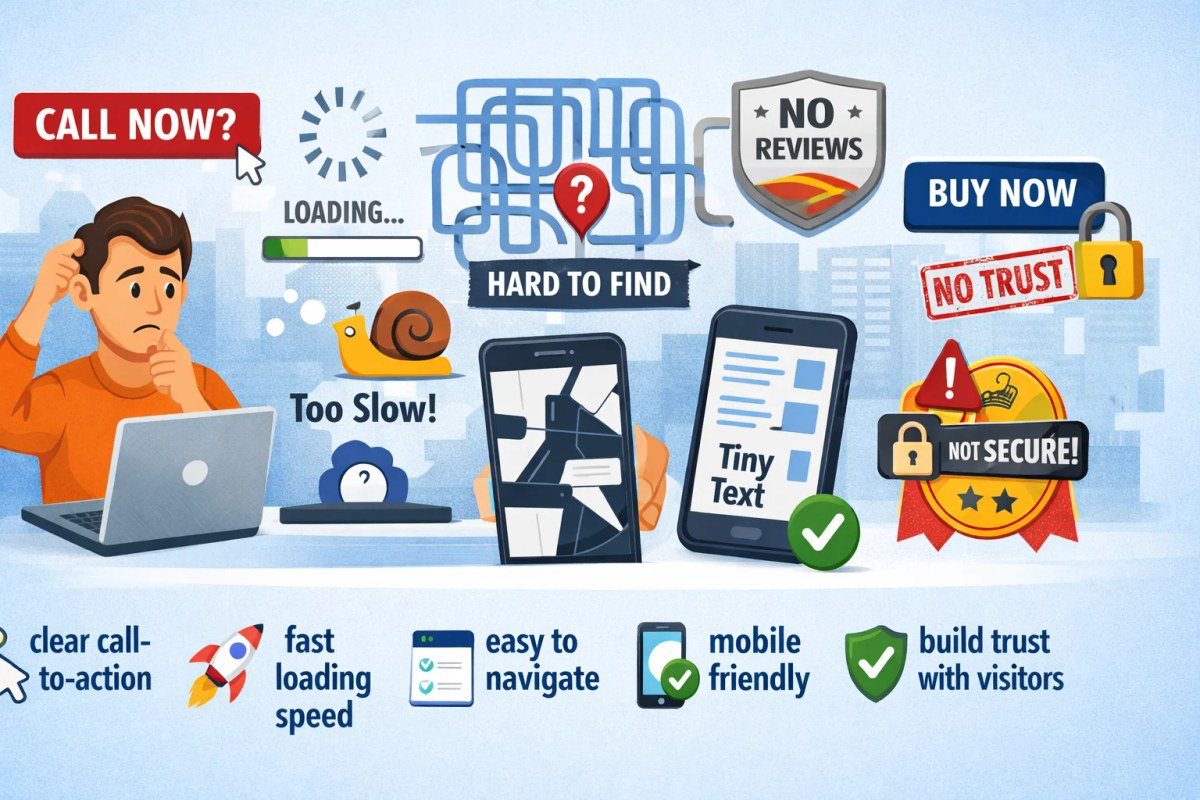
Many websites do not make the next step clear. That might be contacting the business, booking an appointment, checking prices or reading more information first. Use recognisable buttons or links with concrete wording, such as ‘Get a Quote’ or ‘Book an Appointment’, where that next step makes sense. The button does not have to be brightly coloured or placed in the same position everywhere; sufficient contrast, clear wording and logical placement matter more.
Slow website speed
A slow website can frustrate visitors and reduce conversion, but there is no universal rule that more than half of users leave after a few seconds. Causes can include large images, scripts, external embeds, server response time, plugins or inefficient code. Measure what is actually slow before changing things. Optimise images, remove unnecessary components and use hosting that suits the site. Speed supports user experience and can contribute to page experience, but a faster site does not guarantee higher Google rankings or more customers.
Confusing navigation
Unclear navigation makes information harder to find. Keep labels understandable and group content logically, but there is no ideal fixed number of menu items or mandatory labels such as ‘Home’ and ‘About Us’. Larger sites may genuinely need more navigation or search. Test whether someone unfamiliar with the site can find important information quickly.
Not optimized for mobile
Mobile traffic is important for many websites, but the share varies by audience. Check your own analytics and make sure the site works well across screen sizes. Text should remain readable, controls easy to use and layouts stable without horizontal scrolling or zooming. Test on real devices, not only in a narrowed desktop browser.
Missing trust signals
Visitors need enough information to judge whether a business is credible and professional. Genuine reviews, case studies, clear contact information, photos of the people behind the business and relevant certifications can help when they genuinely apply. Do not add a decorative padlock or the word ‘Secure’ simply to imply trust; security should be technically sound, for example through HTTPS and a reputable payment provider. Only use badges, logos and claims you are entitled to display.
These five points are useful checks, but not every website has a problem in all five areas. Use analytics, customer questions and technical measurements to identify the biggest opportunities. Clear actions, good performance, usable navigation, a strong mobile experience and credible information work together to make a site easier and more convincing to use.
Alongside these points, there are SEO improvements that can strengthen the technical and content foundation; discover our five SEO tips.