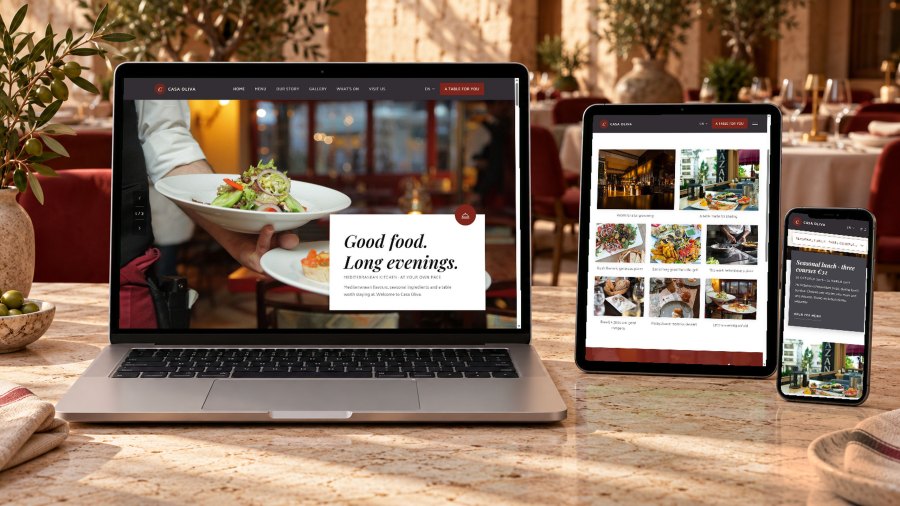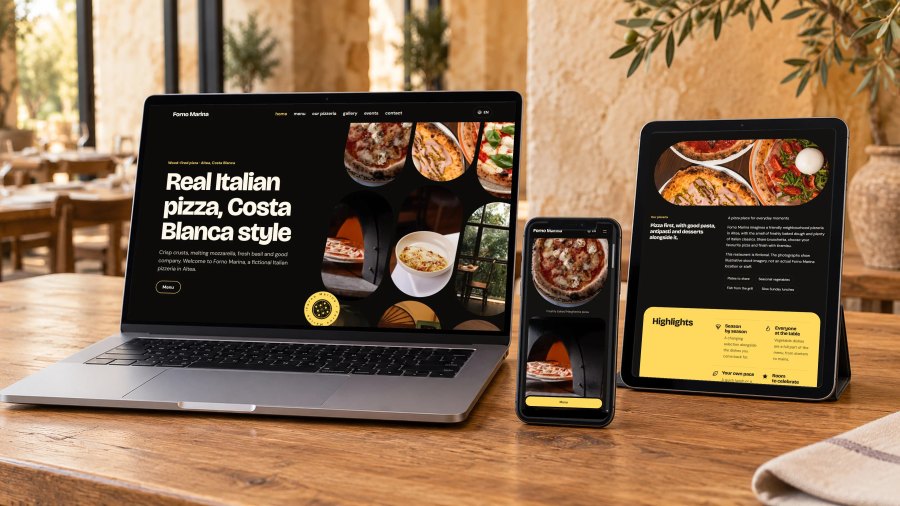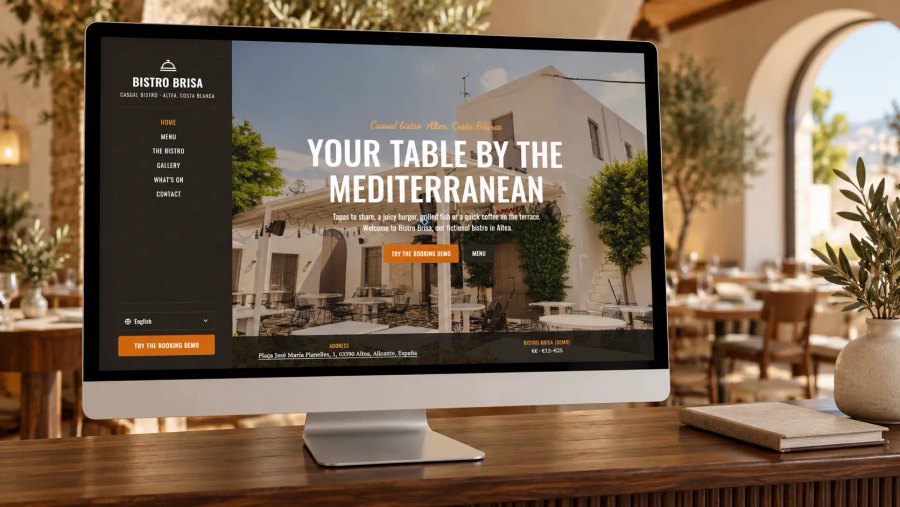
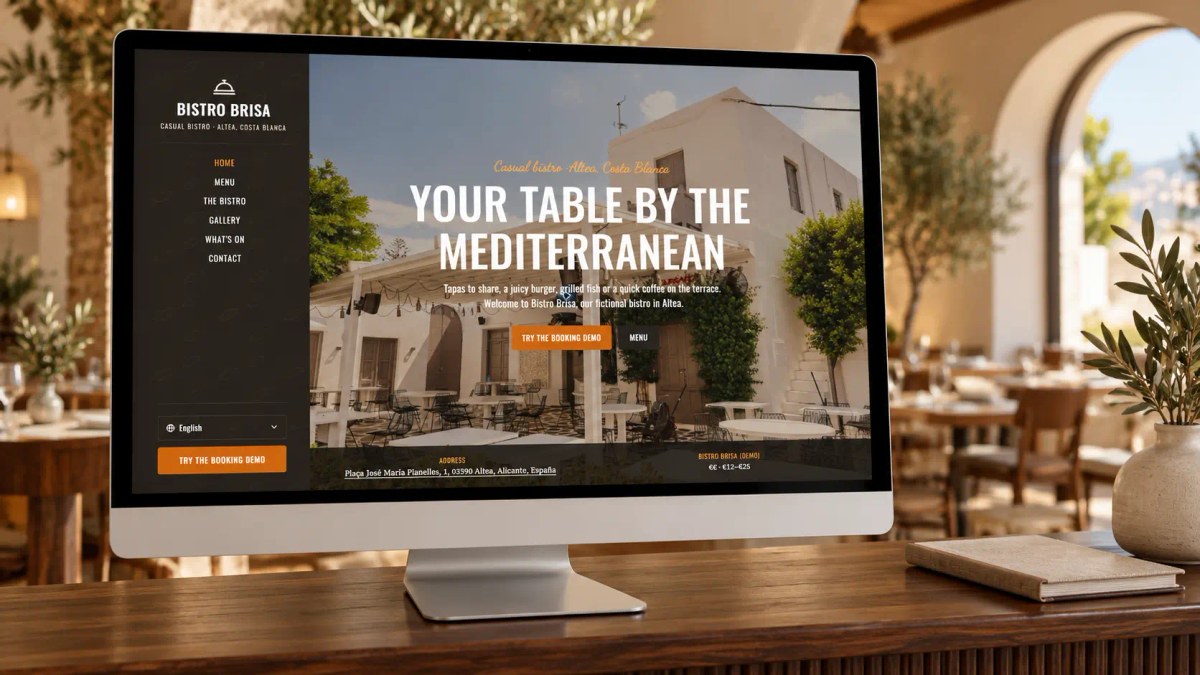
A good restaurant website answers four questions within seconds: what do you serve, roughly what does it cost, where are you and are you open now? After that, booking or calling should be one tap away. Everything else, such as atmosphere photos, your story and events, supports that decision.
On the Costa Blanca there is an extra layer. Your guests speak different languages and often search on their phone, on the go, shortly before they want to eat. Below you will find what belongs on your website, with a complete checklist at the end.
What should appear at the top of your restaurant website?
Your name, type of cuisine and town belong at the top. 'Mediterranean bistro on the Altea seafront' says more than just 'Welcome to Brisa'. Below that, add two clear buttons: book a table and view the menu. On mobile a call button helps too, because many guests would rather phone than fill in a form.
Online menu or PDF: which is better?
Both have their place. An online menu in plain text reads better on a phone, and Google and AI assistants can read your dishes and prices. A PDF is useful if your menu changes often or you already have a designed menu.
The best combination is often an online menu with your regular dishes, plus a downloadable PDF for the full or seasonal menu. Show a price for every dish. Guests who have to choose without prices drop off sooner.
Should you list allergens on your website?
Restaurants in the EU must be able to inform guests about the 14 main allergens, such as gluten, nuts, milk and crustaceans. That applies in Spain too. On your website it is an extra service, but a valuable one: many tourists with an allergy or dietary need check this in advance. Allergen icons per dish, or a clear link to your allergen menu, is already a good step.
What practical information do guests look for?
Opening hours, address, phone number and directions. That sounds obvious, but this is exactly where things often go wrong: winter hours that were never updated, or an address only shown in small print in the footer. Also mention practical details such as parking, a terrace, wheelchair access, whether children are welcome and whether dogs are allowed.
Make sure your name, address and phone number appear on your website exactly as they do in your Google Business Profile. Small differences make it harder for Google to see that both belong to the same restaurant.
How do you handle bookings on your website?
Already using a reservation system such as TheFork or CoverManager? Then add its booking widget to your website, so guests can book directly without leaving your site. Without a system, a clear call button or WhatsApp link works fine too. What matters most is that the booking button can be found on every page.
How many languages does a Costa Blanca restaurant website need?
At least Spanish and English. In places such as Altea, Calpe, Jávea and Benidorm, Dutch, German or French are often added, depending on who sits at your tables. Use properly translated pages instead of an automatic translation button. Automatic translations get dish names wrong, and Google does not see them as separate pages.
Also read why a language button costs you customers on the Costa Blanca.
Which photos work on a restaurant website?
Real photos of your own dishes, your restaurant and your terrace. Guests recognise stock photos immediately. A few strong photos of your most popular dishes, the interior and the view say more than a large gallery of mixed quality. Keep the files light so your website loads quickly on mobile.
What helps your restaurant get found in Google and AI?
Two things make the biggest difference. First: important information in plain text, not only in an image or PDF. Second: structured data (Restaurant schema) with your name, address, cuisine, price range and opening hours. This helps Google and AI assistants such as ChatGPT and Perplexity understand exactly what you are and where you are.
How to approach this in practice is explained in getting your restaurant found in Google Maps and ChatGPT.
Checklist: what should be on your restaurant website?
- Name, type of cuisine and town right at the top
- Booking button and call button on every page
- Menu with prices, online and/or as a PDF
- Allergen information
- Up-to-date opening hours, including winter season and holidays
- Address, map, parking and accessibility
- Real photos of your dishes and restaurant
- At least Spanish and English, plus your guests' languages
- Restaurant schema and a linked Google Business Profile
- A CMS where you update your menu and opening hours yourself
How quickly can you have a restaurant website like this?
Everything in this checklist is included as standard in my restaurant website templates for the Costa Blanca: an online and PDF menu, a field for your booking widget, events, a gallery, three languages and Restaurant schema. You choose a style, for example the warm bistro look of Bistro Brisa, add your own menu and photos and you are online within 2–3 working days.
Frequently asked questions
Isn't an Instagram account enough for a restaurant?
Instagram is great for atmosphere but weak for practical information. Your menu, opening hours and address are hard to find there, and Google and AI assistants mainly rely on your website and Business Profile. Read more in your own restaurant website alongside TheFork, TripAdvisor and Instagram.
How much does a restaurant website cost?
That depends on whether you choose a custom build or a template. A Costa Wave Web restaurant template costs a one-off €325 excluding VAT, including the CMS and three languages. For a broader overview, read how much a website costs on the Costa Blanca.
Can I update my menu myself?
Yes. You update dishes, prices and opening hours yourself in the included CMS, or simply ask Claude or ChatGPT. The change is prepared as a draft and you decide when it goes live.